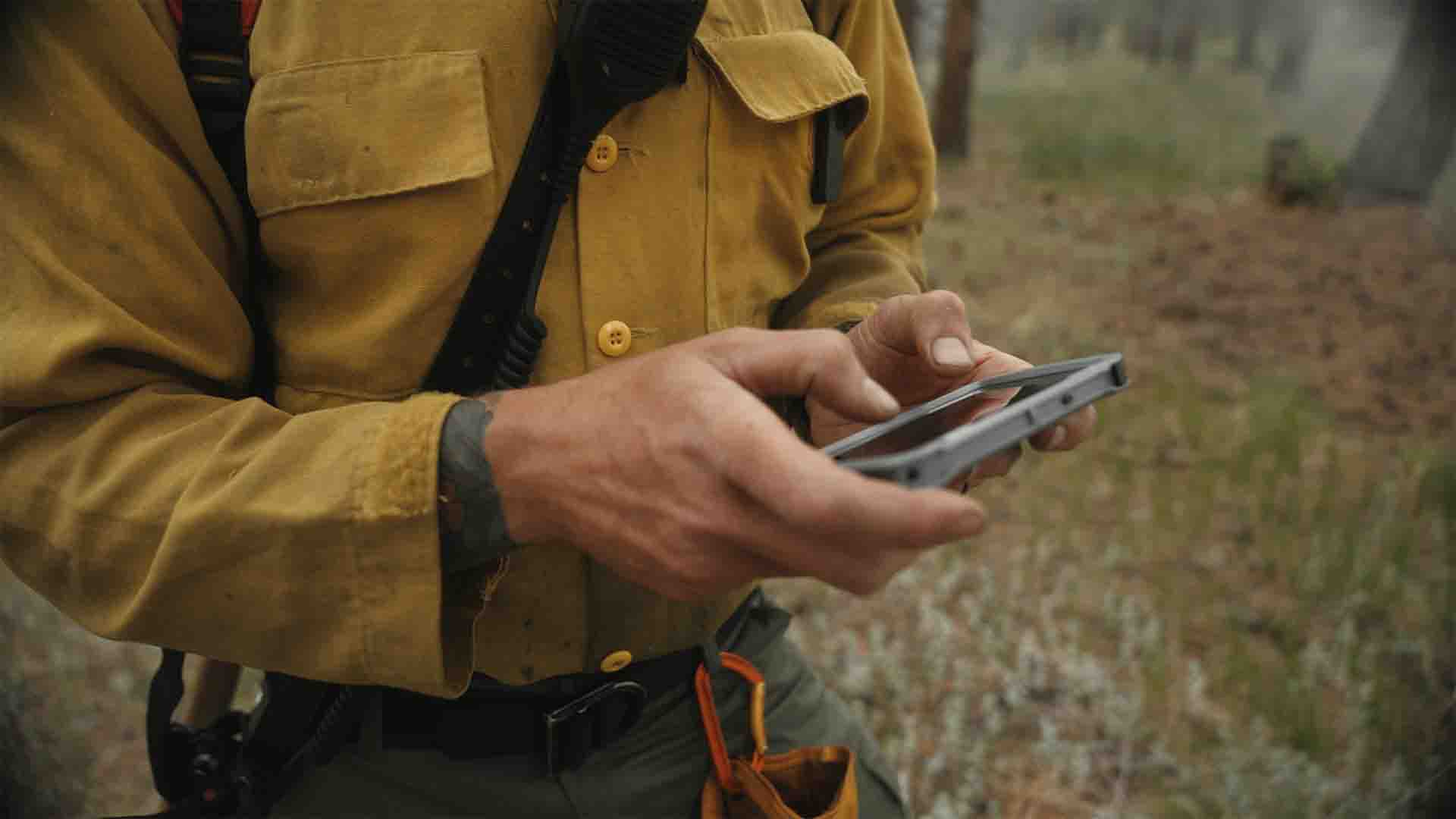
Situational Awareness

Safety

Team Coordination

0
COTAK USERS
Users include law enforcement, firefighters, search and rescue, and other public safety agencies.
0
ACTIVE AGENCIES
COTAK serves public safety agencies of varying sizes based in Colorado.
0
COTAK CHANNELS
Channels are used to customize the information needs of agencies displayed on the COTAK application.
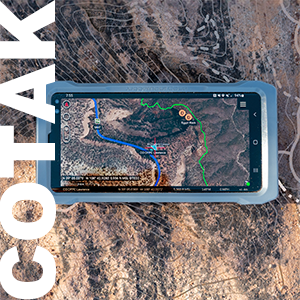
Real-Time Location Information at Your Fingertips
The Colorado Team Awareness Kit (COTAK) is a real-time location service available to all Colorado public safety agencies. By using COTAK, emergency responders can significantly enhance their situational awareness, safety, and team coordination.
Using dots on a map, COTAK users can locate themselves, their team members, and other enrolled agency personnel in real-time. In addition, COTAK provides advanced features that can be customized to meet the specific needs of fire, law enforcement, search and rescue, and other public safety agencies.
COTAK is available free of charge to all Colorado public safety agencies. Join us in deploying the future of public safety, and sign up for COTAK now.
LEARN MORETRUSTED BY COLORADO RESPONDERS



COTAK News

Response to PHP2Shell Vulnerability
On October 21, 2026, the PHP project publicly disclosed a pair of vulnerabilities collectively known as “PHP2Shell” (CVE-2026-109618 and CVE-2026-109619) and released patched versions of PHP that fix them.
Introducing the Self Serve Channels Tool
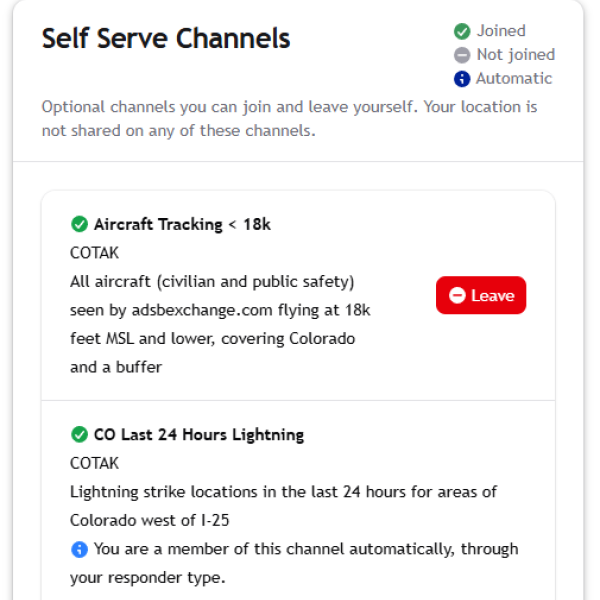
Recently, we received several requests for data integrations into COTAK that may be of interest to our user community, but are outside the scope of our main channel plan. These integrations include the locations of all aircraft (civilian and public safety) operating over Colorado, USGS Stream Gauge locations and their status, and more.
Typically COTAK users are assigned their channels (and any data integrations tied to those channels) by you, the agency administrator, or by the COTAK program team for mutual aid and interoperability. Now to accommodate these new integrations we have developed a new tool at cotak.gov called “Self Serve Channels.” Any COTAK user can log into cotak.gov, and on the homepage use the Self Serve Channels widget to join or leave channels. Any changes a user makes will be reflected in their channels list on their TAK apps.
These self serve channels will always be ‘read-only’ and will not share your location with other users when turned on, and will always tie to a data feed or integration of some kind. The COTAK program team will add more of these channels as requests for data integrations come in from our users involving open, statewide, data that may be of use to COTAK users who wish to gain additional information. To request integrations with COTAK file a ticket at cotak.gov/support
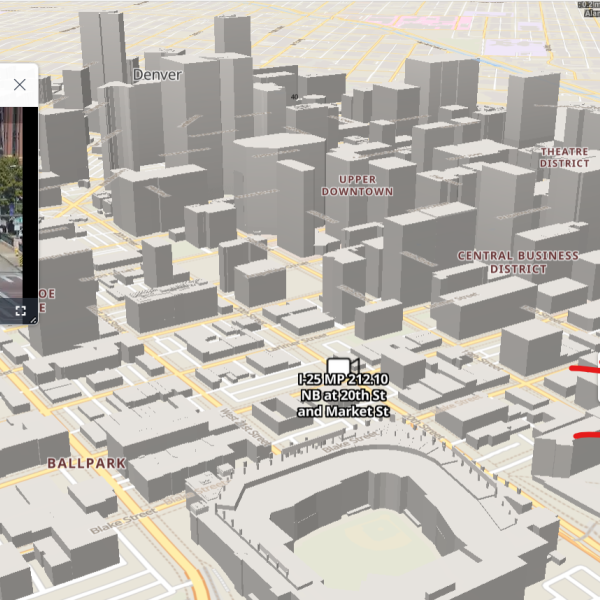
New Basemaps Added to CloudTAK
CloudTAK (map.cotak.gov) now supports a dark mode, for nighttime operations or simply for reducing eye strain. To turn on dark mode in your settings select "Display Preferences" and find the preference for "Light/Dark Style."
New base maps have also been made available for CloudTAK. These maps are 'data defined' instead of being simply images, and are more efficient to load and enable advanced features, such as the labels rotating if you change the direction the map is pointing. To find a data defined map look for the "square with 4 points" icon next to the basemap (as opposed to the trifold map icon, which indicates a traditional image-based map).
These new maps include the "Commander" map which uses Open Street Map data, and automatically changes color as you switch from light to dark mode in CloudTAK. This map also includes 3D buildings when CloudTAK is tiled into 3D over select areas of Colorado as well as building addresses.
The COTREX map has also been added, which features a topographic map and rich data on trails curated by Colorado Parks & Wildlife. To view these maps simply open the basemaps tool in CloudTAK and click on the map of your choice.